Pack completo para tu shot intermedio
Background cinematográfico + prompt Seedance optimizado para retención + lower-third + recomendaciones de post.
1 Background reference
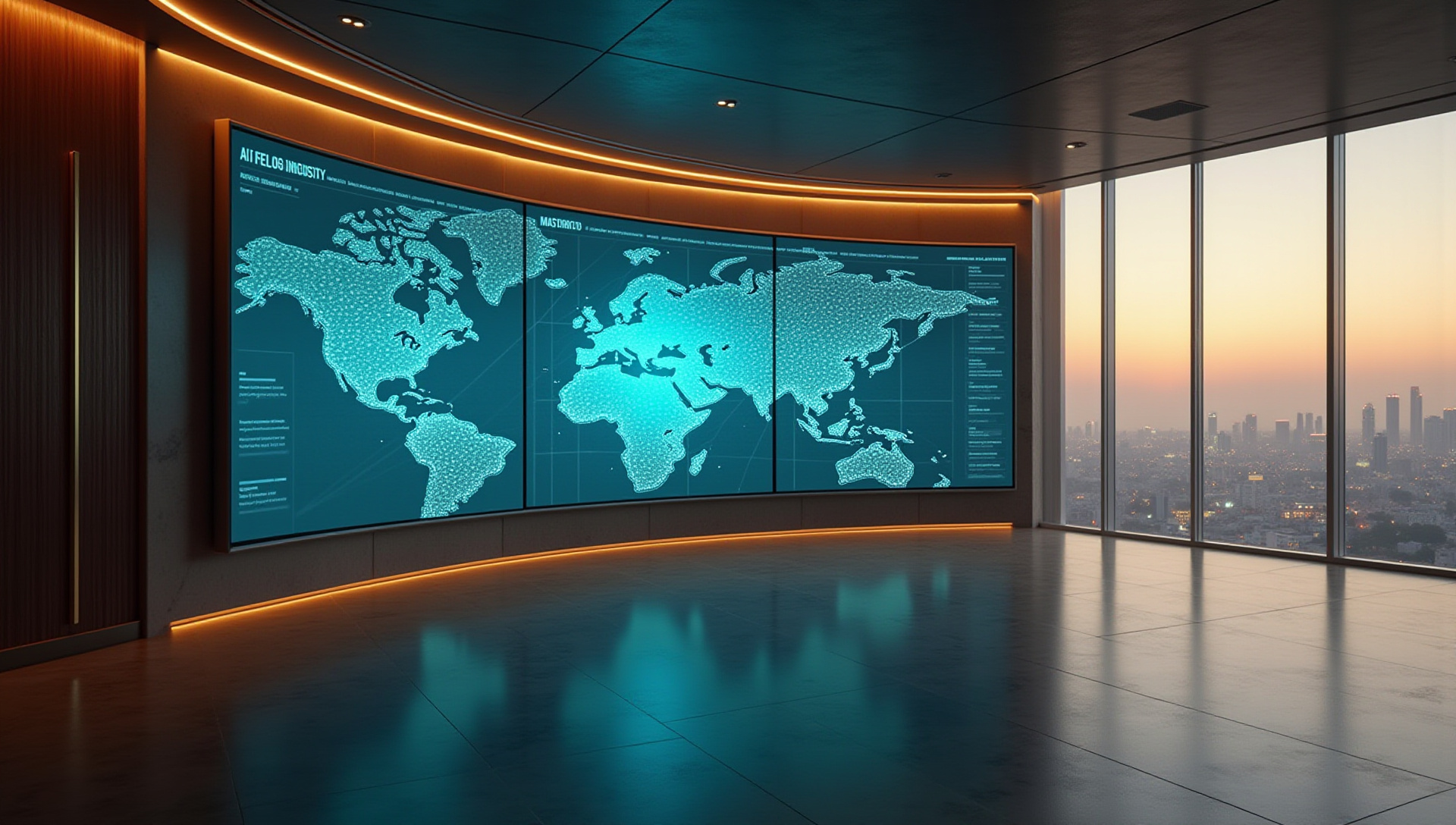
AI Executive Command Center · 1920×1088 · 16:9 cinematic. Sube esta imagen como reference image en HeyGen Avatar Shots.
 ⬇ Descargar background (1920×1088)
Composición: muro curvo de 3 paneles con dashboards AI en cyan, luz cove champagne arriba, walnut paneling izquierda, ventana skyline derecha al atardecer, piso obsidian pulido. Espacio negativo en foreground center-right para que parezcas estar al frente del comando AI.
2 Prompt Seedance 2.0 (copy-paste)
Avatar: tu Digital Twin verificado · Duración: 15s · Orientación: Landscape · 3 beats narrativos perfectos para los 3 movimientos de cámara que Seedance hace mejor.
Refinado v2 · sigue verbatim el formato oficial de HeyGen Seedance Avatar Shots + aplica los 9 aprendizajes del tutorial oficial (ver tabla debajo).
Roberto — a confident male founder in his late 30s wearing a tailored charcoal blazer over a crisp dark navy shirt — stands center-stage in a cinematic AI executive command center at dusk. Behind him: a curved 3-panel installation of large frosted glass displays glowing with cool teal cyan AI dashboards (flowing data streams, neural network visualizations, workflow automation diagrams with connecting nodes), visible throughout the sequence with subtle pulsing motion that never flashes. To his left: dark walnut wood paneling. To his right: floor-to-ceiling window with a softly defocused dusk skyline of a Latin American capital, warm window lights twinkling. Polished obsidian concrete floor reflects the cool cyan glow. Atmospheric haze. Dual cinematic lighting: soft warm champagne key light from upper-left architectural cove, cool teal rim light from the screens behind outlining his silhouette and shoulders, subtle golden rim from the right window. A discrete brushed brass plaque on the left side wall reads "AI4Managers" — preserve the exact spelling: "AI4Managers". Match the lighting and color palette of the reference image.

[0s–5s]: Wide establishing shot — slow dolly-in from medium-wide to a frontal medium shot. The camera reveals the full command center, then approaches Roberto as he turns slightly to face the lens, head tilted with intensity, brief beat for breath, then asks directly to camera with measured weight: "¿Estás liderando con IA o simplemente estás viendo cómo otros lo hacen?"

[5s–10s]: Smooth pan right to 3/4 side profile from his left — medium shot with gentle tracking. Roberto's gaze shifts thoughtfully toward the dashboards behind him, returns to the camera, expression empathetic and diagnostic. Subtle hand movement, palm open in a measured rhetorical gesture: "La mayoría de los managers o líderes hoy están atrapados en la operatividad,"

[10s–15s]: Smooth pan back to frontal — slow push-in to medium close-up. The warm champagne key light strengthens slightly, the dashboards behind pulse with synchronized subtle cyan motion. Roberto leans almost imperceptibly forward, single conviction-driven hand gesture extending once outward toward the camera, eyes locked on the lens, delivers the punchline with deliberate weight on the final word: "perdiendo horas en tareas que ya son automatizables."

Cinematic 1080p, anamorphic lens with subtle horizontal lens flares from the dashboard screens, shallow depth of field, subtle film grain, premium executive editorial atmosphere. Spanish LATAM neutral accent — confident, authoritative, deliberate pacing with dramatic micro-pauses between beats. Ambient room tone with subtle low-frequency hum from active machines, no music, no on-screen subtitles.
Aprendizajes Seedance 2.0 / HeyGen aplicados
Cada elemento del prompt usa una técnica documentada del tutorial oficial y el help center.
| Técnica oficial | Dónde se aplica en el prompt |
|---|---|
| Estructura "Subject + Setting" antes de los beats | Párrafo introductorio con descripción de Roberto + entorno antes de los timestamps |
| "Visible throughout the sequence" para continuidad | Aplicado a las pantallas para evitar que Seedance las redibuje entre beats |
Sintaxis exacta [Xs–Ys]: para beats | Los 3 beats usan brackets verbatim del ejemplo oficial |
| Vocabulario de cámara documentado | dolly-in, side profile, tracking shot, push-in, pan right, medium close-up |
| "Preserve the exact spelling" para texto en escena | Aplicado al "AI4Managers" del brass plaque para evitar tipografía inventada |
| Gestos sutiles explícitos (multi-avatar guide) | "hand open in measured rhetorical gesture", "single conviction-driven hand gesture extending once outward" |
| Audio descrito inline (no se sube) | "Ambient room tone with subtle low-frequency hum, no music" |
| Idioma estable HeyGen + acento | "Spanish LATAM neutral accent" |
| NO mezclar script + voice-over (regla oficial) | Solo dialogue dentro de comillas. Sin instrucciones de doblaje paralelo |
| Tech specs al final como single line | "Cinematic 1080p, anamorphic lens... shallow depth of field, subtle film grain" |
| Match reference image lighting/palette | Línea explícita al final del setup paragraph |
| Trick "approach hacia cámara" para energía | Beat 1 usa dolly-in revelando el espacio antes de aterrizar en medium shot |
Estructura de los 3 beats
3 Settings HeyGen + créditos
| Parámetro | Valor recomendado |
|---|---|
| Avatar | Tu Digital Twin verificado (entrenado con nuevolook1.mov, 30 frames) |
| Reference image | Sube roberto-shot-bg.jpg |
| Duración | 15s (los 3 beats encajan exactamente) |
| Orientación | Landscape |
| Resolución test | 720p · ~60 créditos (validar primero) |
| Resolución final | 1080p · ~150 créditos (cuando el take quede clavado) |
| Idioma de voz | Spanish (LATAM neutral) |
4 Lower-third name plate
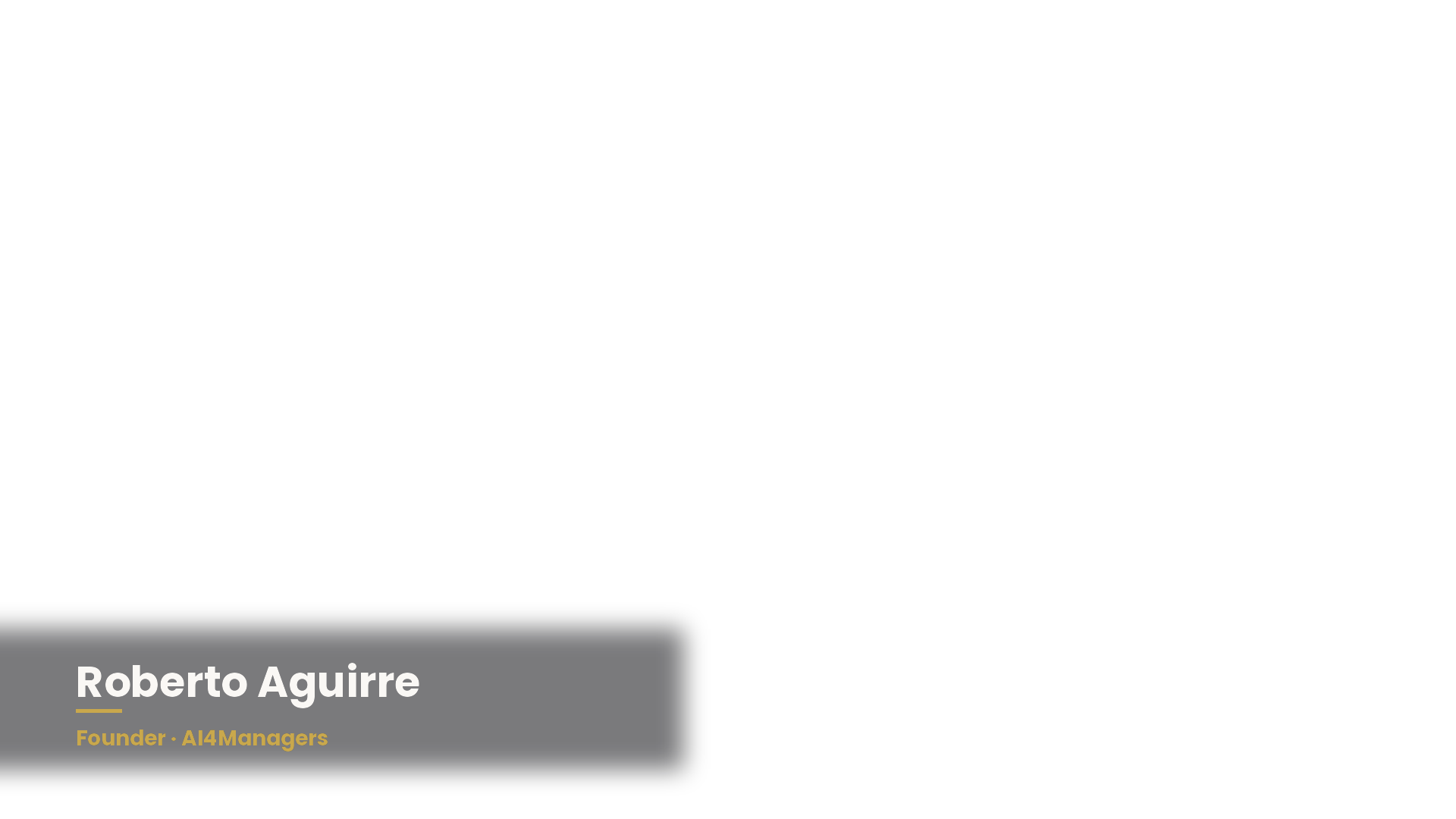
Aparece a partir de segundo 5-7 (durante el diagnóstico) por ~3s. Establece autoridad sin interrumpir el shot. Overlay PNG transparente listo para HeyGen Studio o CapCut.
 ⬇ Descargar lower-third (1920×1080 PNG transparente)
5 Boosters de retención (en post)
- Animated word highlights: resalta palabras clave en yellow (mismo estilo del cierre): "liderando", "atrapados", "operatividad", "automatizables". Aumenta retención y comprensión sin audio.
- B-roll cut-away (1.5s) en BEAT 2: calendar overflowing con meetings o screen-recording de mensajes/notificaciones acumulándose. Ilustra "atrapados en operatividad" literalmente. Cortar a los 7s, regresar a Roberto a los 8.5s.
- Sound design micro-cue: subtle whoosh o low rumble en la transición BEAT 2 → BEAT 3 (segundo 10) para reforzar el momento del punchline.
- Pacing en los cortes: intro Valeria (12.88s) → tu shot (15s) → cierre (101.4s). El handoff "te muestran cómo lograrlo" → tu pregunta debería tener cero pausa (J-cut: tu audio entra antes del corte visual).
- No abuses del lower-third: aparece UNA sola vez, máximo 3-4 segundos. Si dura más, distrae del mensaje.
- Subtítulos siempre ON: 80% de los views en LinkedIn/Reels son sin audio. Caption en estilo del cierre (white + yellow highlight).